What's new 2026.2
4/17/2026
XCTest support on Android
Swift Android Toolchain 6.2.1-2 and scd 2.16.0 introduce support for running XCTest on Android.
You can now write new tests or reuse your existing Swift test suites and execute them directly on Android devices or emulators, using the same familiar workflow as on Apple platforms. This enables smoother cross-platform development, simplifies CI integration, and makes building and validating Swift code for Android significantly more convenient.
Learn more: Running XCTest on Android
Mapping Swift enums with associated values
Swift4j now maps Swift enums with associated values into Kotlin-friendly types.
Positional associated values use generated names such as _0, while named values
keep their Swift names.
@jvm
enum NetworkResult {
  case success(String)
  case error(code: Int, message: String)
  case loading
}
@jvm
func doRequest() {
  return .success("Done")
}val msg = when (val res = doRequest()) {
is NetworkResult.success ->
"Success: ${res._0}" // access positional param by _0
is NetworkResult.error ->
"Error(${res.code}): ${res.message}" // access named params
NetworkResult.loading ->
"Loading"
}
print(msg) // Prints: Success: DoneAwaiting Swift async functions from Java/Kotlin
Java and Kotlin callers can await Swift async functions. With Kotlin coroutines, the calling code stays close to the Swift version.
@jvm
func greetAsync() async -> String {
  try? await Task.sleep(nanoseconds: UInt64(2e9))
  return "Swift greets Kotlin from an async function"
}import kotlinx.coroutines.future.await
import kotlinx.coroutines.runBlocking
runBlocking {
val msg = greetAsync().await()
print(msg) // Prints: Swift greets Kotlin from an async function
}Mapping Foundation Result
Swift4j maps Foundation Result values so Kotlin can handle success and failure cases with familiar result APIs.
@jvm
func doWithSuccess() -> Result<String, Error> {
  return .success("Success!")
}
@jvm
func doWithFailure() -> Result<String, Error> {
  return .failure(MyError.message("Failed with an error!"))
}val msgSuccess = res.doWithSuccess().getOrElse { it.toString() }
print("Result is: $msgSuccess") // Prints: Success!
val msgError = res.doWithFailure().getOrElse { it.toString() }
print("Result is: $msgError") // Prints: Failed with an error!Extended language feature support
- Added support for instantiated generics in definitions.
- Extended support for optional function parameters, including optional callbacks.
Other
- Improved Swift pointer lifecycle management.
- Added support for generating Kotlin bridges, including bridges for enums with associated values.
Versions
⚠️ Tip: Always use the latest version for best compatibility and features.
What's new 2026.1
1/12/2026
Swift for Android — 𝐉𝐚𝐧𝐮𝐚𝐫𝐲 𝐑𝐞𝐥𝐞𝐚𝐬𝐞 2026.1 is here, bringing new examples and platform updates that keep Swift on Android aligned with our iOS tooling.
Here are the highlights:
- Swift 6.2 support, including the newest language improvements and tooling updates for Android builds.
- Observable improvements that automatically track computed properties derived from observable stored properties.
- A Salesforce example that walks through OAuth authentication, SOQL queries, and fetching Account data.
Swift 6.2
Ship Android apps with Swift 6.2 and take advantage of the most recent compiler and language refinements. Having the same Swift version on Android and iOS simplifies code sharing, removes subtle build differences, and unlocks the newest tooling diagnostics on both platforms.
Observable Improvements
Computed properties are now tracked automatically when they depend on observable stored properties, so view models stay in sync without extra boilerplate. Explore how it works in the updated Observables Guide.
Salesforce Example
We created a Salesforce sample that covers OAuth setup, SOQL queries, and retrieving Account data end-to-end. Follow the walkthrough in the Salesforce Example Guide to adapt it to your own enterprise integration.
Versions
⚠️ Tip: Always use the latest version for best compatibility and features.
What's new 2025.2
10/8/2025
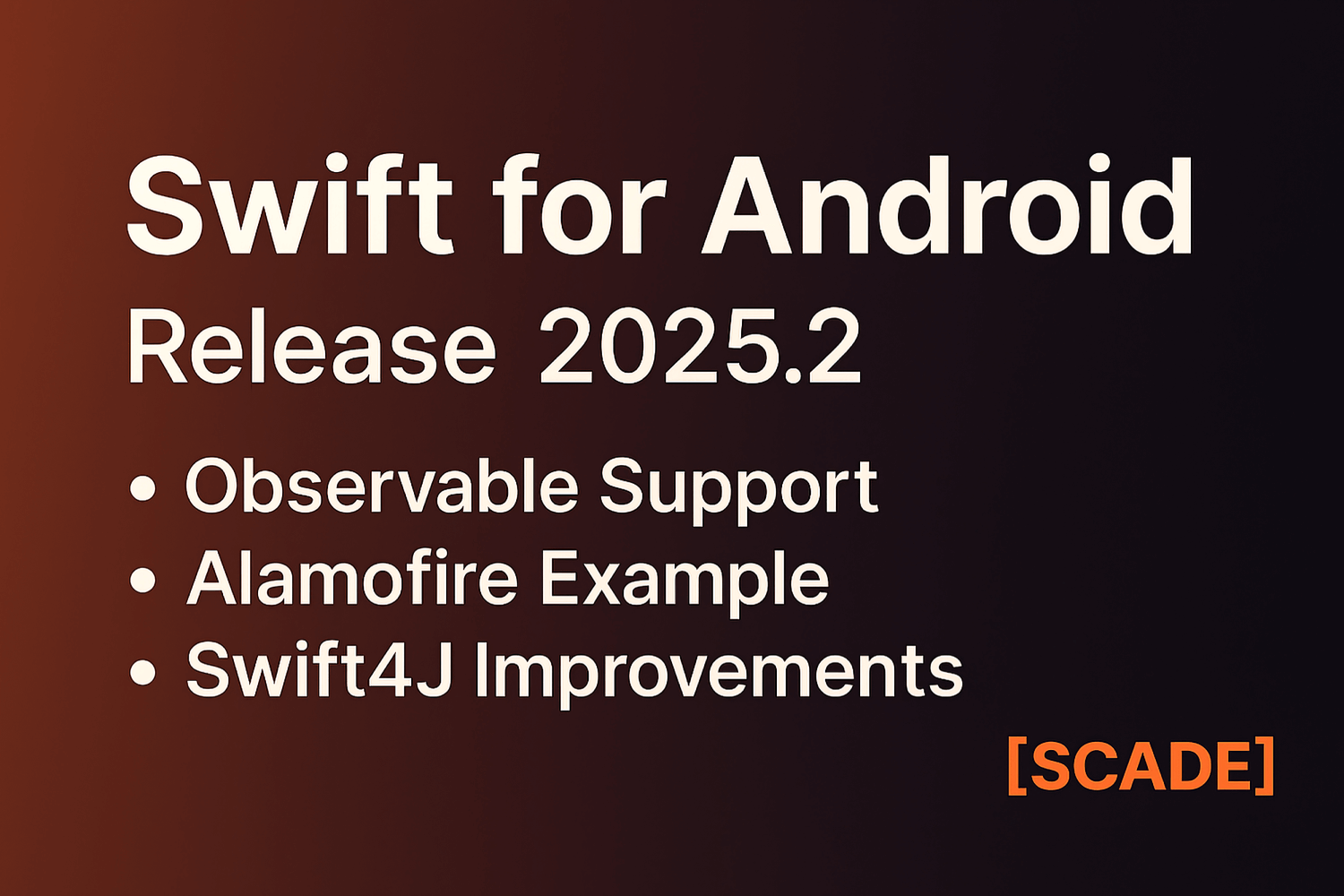
Welcome to our October Release! This new version brings powerful updates to develop with Swift on Android faster and easier than ever before. Here are the highlights:
- Observable Support for Android
- Alamofire Example
- Significant Swift4j Improvements (Swift Exceptions, Standard Foundation types)
- OS.Log Support
Observable Support
You can now use any Swift class marked as @Observable directly in Android Jetpack Compose
framework. SCADE AppLogic generates the corresponding Android Jetpack ViewModels and drastically improves your
productivity when creating Android UIs.
For more details, see the Observables Guide
@jvm
@Observable
public final class Counter {
  var count: Int = 0
  func increment() { count += 1 }
}fun observeCount() {
val count = observable.getCountWithObservationTracking {
println("Count is about to be update")
}
}Alamofire Example
We created a demo to show you how easy it is to use Alamofire with Swift for Android. See the Alamofire Example Guide
Swift4j Improvements
@MainActorclasses are now supported- Full support for computed properties
- Swift exceptions are exposed as Java exceptions now
- Function overloading is supported
- Added initial support for Swift Foundation types in Java
OS.Log Support
Use OSLog to log seamlessly across iOS and Android.
For more details, see the OSLog Guide
Versions
⚠️ Tip: Always use the latest version for best compatibility and features.
What's new 2025.1
7/20/2025
With great pleasure we announce the monthly release of SCADE AppLogic Version 2025.1. We now support Swift 6.1.